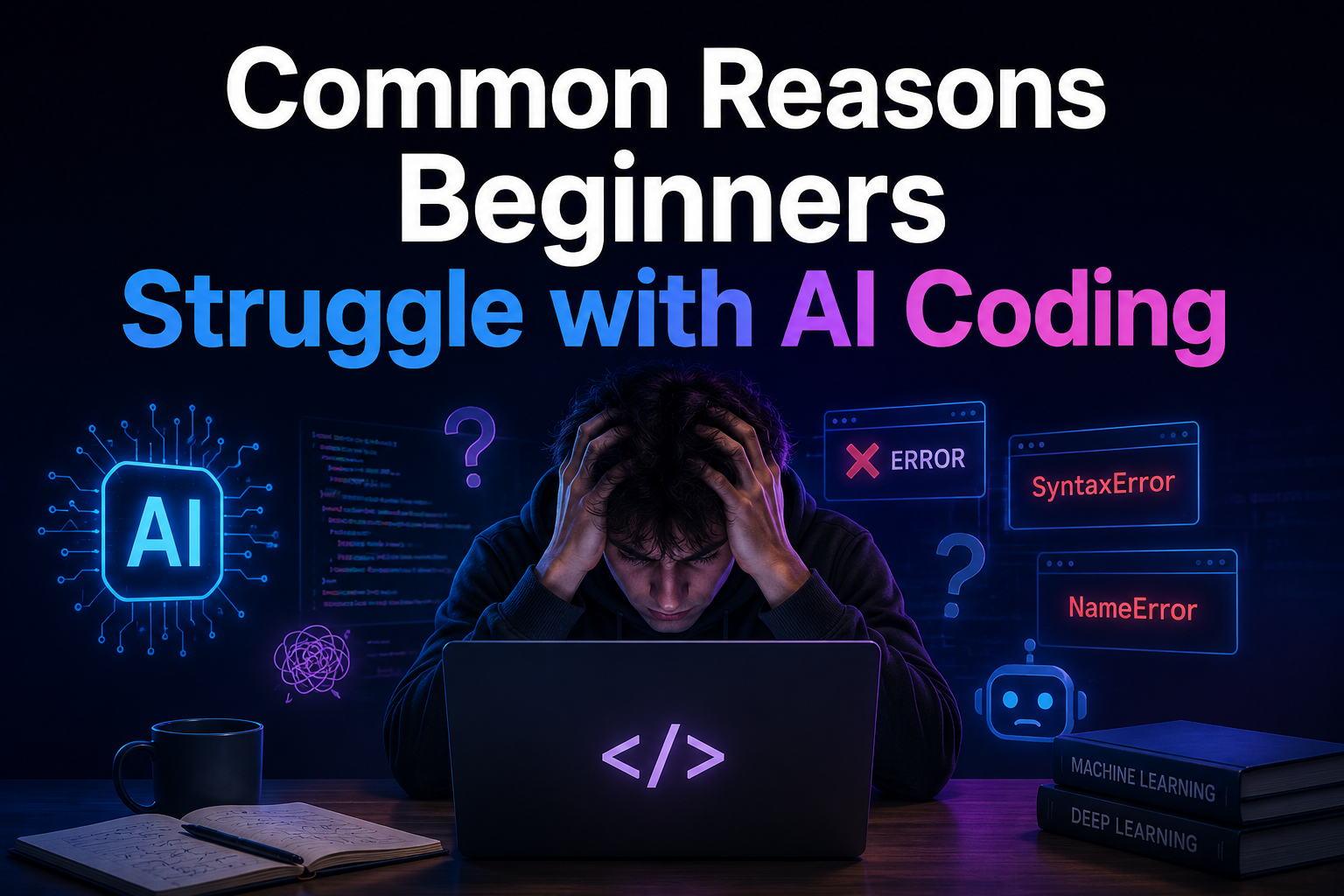
Programming in artificial intelligence is fundamentally different from learning standard web development or writing simple scripts. It requires expertise in multiple disciplines: Python programming, linear algebra, statistics, machine learning theory, and cloud computing. Most beginners initially underestimate the scope of this field.
What is particularly frustrating is that progress is often imperceptible. In traditional programming, what you build either works or it doesn’t. Even a perfectly trained AI model can produce completely useless results. This gap between “works” and “works” overwhelms many newcomers, causing many to give up before they get the chance to truly develop their skills.
Understanding the Steep Learning Curve
The steep learning curve for AI programming is not due to incomprehensible concepts—that is not the case. The steepness stems from the large amount of prior knowledge required. Ideally, beginners should have a basic understanding of Python, NumPy, probability, and at least some calculus before writing even a single line of machine learning code. Most self-taught students skip the basics and jump straight into frameworks like TensorFlow or PyTorch. These libraries abstract many low-level mathematical operations, which is useful, but it also means that beginners work without understanding how the code works. When problems arise (and they inevitably will), they cannot build mental models to diagnose them. The solution seems counterintuitive: relax. Spending two to three weeks learning the basics of Python and statistics before diving into AI libraries can prevent months of confusion.
Navigating Complex AI Environments
Frankly, setting up a usable AI development environment is much harder than it seems. Beginners often spend hours making various tools compatible—installing CUDA drivers for GPU support, resolving Python version conflicts with tools like Conda or virtualenv, and checking library version compatibility. Even a small version mismatch between PyTorch and CUDA, for example, can lead to errors that appear completely unrelated to the actual problem. The environment setup phase often discourages many beginners from writing meaningful code.
Cloud platforms such as Google Colab, Kaggle Notebooks, and Amazon SageMaker Studio Lab significantly simplify this process. These tools offer pre-configured environments and support GPU access, eliminating the hassle of a local installation. For any beginner, choosing Colab over a local installation is one of the wisest choices.
Overcoming Data-related Obstacles
Data is the fuel of artificial intelligence, and beginners often underestimate the amount of data preparation required. Finding a clean, well-labeled dataset for a personal project is much harder than expected. Public datasets such as Kaggle or the UCI Machine Learning Library are useful, but they still require preprocessing: handling missing values, encoding categorical variables, normalizing numerical attributes, and correctly splitting the data into training and test sets.
In addition to cleaning data, understanding the true meaning behind it is another major challenge. Beginners often feed raw data directly into their models without exploring it and then wonder why the accuracy is low. Data exploration—visualizing distributions, checking for class imbalances, and identifying outliers—is not optional, but fundamental. A practical habit worth learning early on is to spend at least as much time understanding your dataset as you do building the model itself before starting a new model. Simply changing your approach can significantly improve results.
Debugging and Optimization in AI
Debugging an AI model is a different skill set from debugging traditional software. A syntax error stops a program cold and tells you exactly where it failed. A poorly performing model just silently underperforms, leaving the developer to figure out why.
Common culprits include data leakage (where test data accidentally influences training), incorrect loss functions, overfitting due to models that are too complex for the available data, and learning rates that are too high or too low. Beginners often jump to changing model architecture when the real issue is far simpler—a data preprocessing mistake or a misconfigured training loop.
Tools like TensorBoard for TensorFlow and Weights & Biases for broader experiment tracking help visualize training behavior and catch issues early. Learning to use these tools—even at a basic level—quickly proves beneficial. Getting comfortable with systematic experimentation, rather than random trial-and-error, is what separates beginners who improve from those who stay stuck.
The Importance of Community and Resources
AI coding can feel isolating, particularly when tutorials don’t match your exact problem and documentation seems written for people who already understand the subject. This is where community becomes a genuine accelerator. Platforms like Stack Overflow, Reddit’s r/MachineLearning and r/learnmachinelearning, and the fast.ai forums provide direct access to practitioners who have faced the same obstacles. The fast.ai course itself, created by Jeremy Howard and Rachel Thomas, is widely considered one of the most beginner-friendly entry points into deep learning—it prioritizes practical application over theory, which helps beginners build confidence quickly.
Beyond forums, structured learning paths matter. Courses from Andrew Ng on Coursera, particularly the Machine Learning Specialization, provide the theoretical grounding that many self-taught learners miss. Pairing a structured course with a hands-on project is one of the most effective ways to move through the beginner phase.
Every Expert Was Once a Confused Beginner
The challenges outlined above are not signs that someone lacks aptitude for AI—they’re signs that the field has a high entry cost in terms of knowledge and patience. The developers who push through these early stages aren’t necessarily smarter; they’re just more willing to sit with confusion long enough for clarity to arrive.
Start with a strong Python and statistics foundation. Use cloud environments to sidestep setup friction. Treat data exploration as a core skill, not a chore. Learn to debug systematically rather than randomly. And plug into a community early—the collective knowledge of practitioners who’ve been where you are is an underused resource. AI coding rewards persistence more than it rewards prior genius.
FAQs
1. What programming language should beginners learn first for AI coding?
Python is the standard starting point for AI coding. Python’s readable syntax, combined with libraries like NumPy, Pandas, Scikit-learn, TensorFlow, and PyTorch, makes it the dominant language across both research and industry. Beginners should focus on core Python proficiency before learning any AI-specific framework.
2. How much math does a beginner need to know before starting AI coding?
A working understanding of statistics (probability, distributions, mean/variance), linear algebra (vectors and matrices), and basic calculus (derivatives and gradients) is helpful before diving into machine learning. Beginners don’t need to master these topics upfront—learning them progressively alongside practical projects is a widely used and effective approach.
3. What is the best platform for beginners to practice AI coding without local setup?
Google Colab is the most commonly recommended platform for beginners. Colab provides free access to GPU resources, runs in a browser, and requires no local installation. Kaggle Notebooks is another strong option, with the added benefit of access to hundreds of public datasets and competitions that help beginners build real-world skills.
4. How long does it typically take for a beginner to become competent in AI coding?
Competency timelines vary, but most beginners with consistent daily practice (one to two hours per day) can build foundational skills within six to twelve months. Factors that accelerate progress include having a programming background, working on real projects, and learning within a structured curriculum rather than jumping between random tutorials.
5. Why do AI models sometimes perform poorly even when the code runs without errors?
A model can run without errors and still produce poor results due to issues unrelated to syntax—such as data leakage, class imbalance in the training set, incorrect loss function selection, overfitting, or an unsuitable learning rate. This is one of the most disorienting aspects of AI coding for beginners. Systematic debugging using experiment tracking tools and thorough data exploration before training are the most effective countermeasures.

Cathy started out teaching herself to code through documentation and broken tutorials, which taught her more about learning than any classroom did. Now she focuses on helping others navigate the same path — figuring out why things break, how to fix them, and what trends actually matter versus what’s just noise. She has a background in cognitive science and contributes to open-source education projects.