
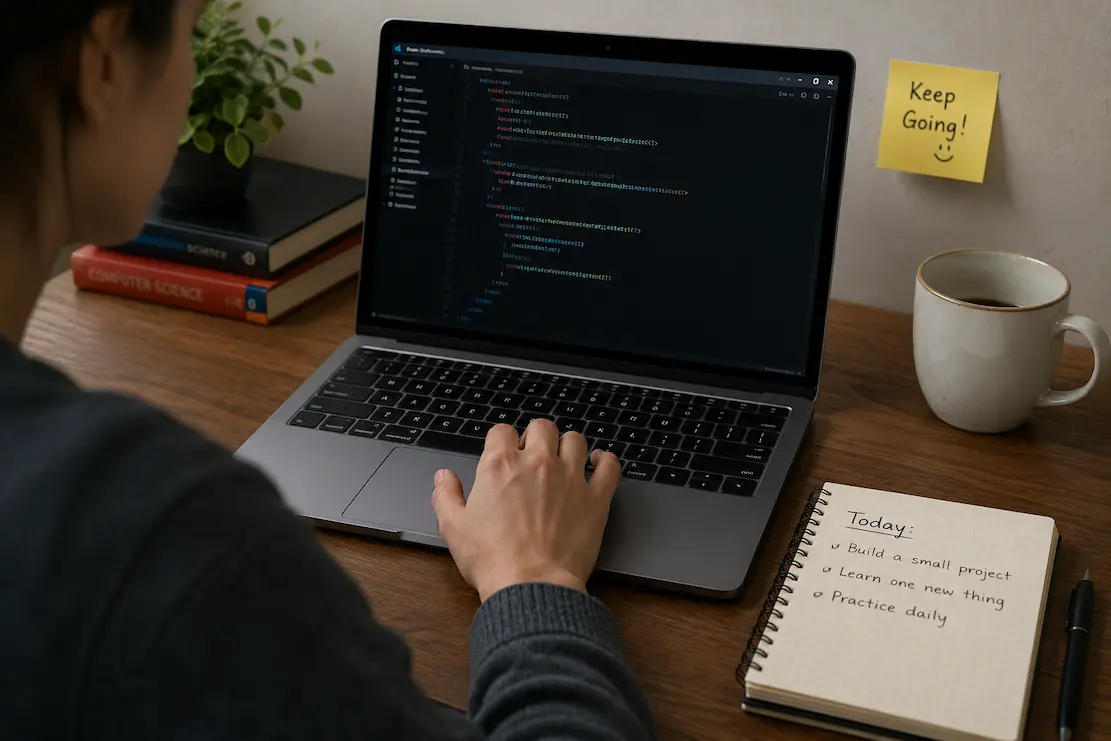
It’s 7 PM. You finally have an hour to yourself. You open your laptop, stare at the IDE, and realize you have no idea what to build. Yesterday you followed a tutorial. Today there’s no handrail. The blank screen feels like an accusation — you should know what to do by now, right?
So you close the laptop and tell yourself you’ll figure it out tomorrow. Tomorrow turns into next week. Next week becomes a month. The skills you half-learned start fading because they were never anchored to anything you actually built.
This isn’t a motivation problem. It’s a structure problem. Practice without structure feels like wandering in fog. The fix isn’t willpower — it’s giving yourself just enough guardrails that starting feels possible.
The 20-Minute Warm-Up
Before touching a real project, spend twenty minutes on something small and contained. Think of it like stretching before a run. The goal isn’t to build anything useful — it’s to remind your brain that code is something you manipulate, not something that happens to you.
Pick a single function you learned recently. Write it from scratch without looking at notes. Then modify it: change the input type, add error handling, make it return something different. Delete it and write it again. The repetition feels silly until you realize you’re no longer googling basic syntax — it’s in your fingers.
Some people use coding challenge sites for this. Others rewrite a small piece of their own code. The medium doesn’t matter. What matters is the constraint: twenty minutes, one concept, no pressure to finish anything.
Warm-Up Examples That Actually Work
• Write a function that reverses a string five different ways
• Build a tiny calculator that only adds and subtracts — then extend it
• Fetch data from a public API and display just one field
• Style a single button to look exactly like a reference image
The common thread: small scope, immediate feedback, no dependencies on other code working.
The Clone-and-Tweak Method
Here’s a practice method that feels less like wandering and more like following a path with room to explore. Take a simple app or website you use daily — a calculator, a weather widget, a to-do list. Build the most basic version you can. It won’t look good. It won’t have all the features. That’s the point.
Once the skeleton works, add one feature the real app has that yours doesn’t. Just one. Maybe it’s a delete button. Maybe it’s sorting by date. Maybe it’s saving data so it persists when you refresh. Research how to do that one thing. Implement it imperfectly. Move to the next feature.
This method works because you’re never starting from zero. The real app gives you a blueprint. Your job is reverse engineering one small piece at a time, which teaches you infinitely more than following a tutorial that hands you the answer.
Debugging as Deliberate Practice
Most learners see bugs as interruptions. They should see them as curriculum. Every error message is a lesson disguised as frustration. The learners who improve fastest aren’t the ones who write perfect code — they’re the ones who treat broken code as a puzzle worth solving.
Next time something breaks, pause before fixing it. Read the error message out loud. Seriously — say the words. It sounds ridiculous but it forces your brain to process the text instead of skimming it as noise. Identify the file and line number mentioned. Look at that specific line. Is the syntax correct? Are the variables what you expect? Is the function receiving the type of data it expects?
The Debugging Questions That Actually Help
What did I expect to happen? — Be specific. “I expected the button to change color when clicked.”
What actually happened? — Again, specifics. “Nothing changed. No error in console.”
What changed since it last worked? — This catches 70% of bugs. You changed one thing and forgot.
What’s the simplest case where it still breaks? — Strip away complexity until you find the minimal failure.
Write your answers down. The act of articulating the problem often reveals the solution before you finish the sentence.
Pairing Up Without the Pressure
Coding alone is efficient but isolating. You get stuck in loops, convinced your problem is unique, when it’s actually a five-minute fix for someone with slightly more experience. The challenge is finding help without feeling like you’re wasting someone’s time or exposing your ignorance.
The trick is reciprocity. Find one other learner at roughly your level. Agree to meet for thirty minutes, twice a week. Each person brings one specific problem they’re stuck on. You trade — they look at yours, you look at theirs. Explaining someone else’s code out loud often triggers insights about your own. Watching someone else struggle with a concept you just figured out cements your understanding.
This isn’t pair programming in the traditional sense. No one is watching you type in real time. It’s more like a study group with a narrow focus: one problem, one session, done.
The Refactoring Ritual
Every coder has a graveyard of half-finished projects. Instead of starting project number twelve, go back to project number three. The one that works but embarrasses you. The code is messy. Variable names make no sense. Everything is crammed into one file. Perfect.
Spend your practice time cleaning it up. Not rewriting from scratch — that’s procrastination disguised as productivity. Actually refactor. Extract functions. Rename variables so they describe what they do. Add comments explaining why, not what. Break the giant file into smaller pieces.
Refactoring teaches you to read code the way you’ll read code in a real job — someone else’s (even if that someone is you from six months ago). It teaches you that code quality is a spectrum, not a binary. And it gives you the deeply satisfying experience of making something better without the pressure of making something new.
Time-Boxed Exploration
Sometimes feeling lost comes from too many options, not too few. You could learn React, or Vue, or Svelte, or vanilla JavaScript. You could build a backend, or focus on frontend, or try mobile. The paradox of choice paralyzes you into doing nothing.
The fix is radical constraint. Give yourself one week to explore one technology. Set a timer: thirty minutes of reading docs, thirty minutes of building something tiny, done. At the end of the week, decide: does this feel interesting enough to continue, or am I curious about something else? Either answer is valid. The constraint prevents the exploration from becoming endless drift.
| Practice Method | Best For | Time Commitment |
|---|---|---|
| 20-minute warm-ups | Building syntax fluency and confidence | 20 minutes daily |
| Clone-and-tweak projects | Learning architecture and feature planning | 1-2 hours, 2-3x weekly |
| Debugging practice | Developing problem-solving independence | Whenever bugs appear |
| Peer problem sessions | Breaking isolation and gaining perspective | 30 minutes, twice weekly |
| Refactoring old projects | Understanding code quality and maintainability | 1 hour weekly |
When Practice Feels Pointless
There will be days — many days — where you practice and feel like nothing stuck. The function you wrote yesterday is hazy today. The concept that clicked last week seems foreign now. This is normal. It’s also the point where most people quit, mistakenly believing they’re not making progress because they can’t feel it.
Progress in coding is rarely linear or visible day-to-day. It accumulates invisibly until one day you sit down to solve a problem and realize you’re not googling the basics anymore. The syntax is automatic. The error messages make sense. You know which file to open and which function to check. That competence didn’t arrive overnight — it was built from dozens of tiny practice sessions you thought were wasted.
Keep a simple log: date, what you practiced, one sentence about what you learned or struggled with. Don’t judge the entries. When motivation crashes, read old entries from two months ago. You’ll see the gap between then and now, even if you couldn’t feel it happening.
Related Articles
- Why Tech Tutorials Confuse Beginners and How to Fix Them
- How to Fix Common Errors When Following Tech Guides
- Common Reasons Self-Taught Tech Learners Get Stuck
- Simple Guide to Reading Technical Documentation Clearly
- Why Tech Learning Feels Isolated and How to Fix It
- How to Fix Setup Problems in Development Environments
- Easy Ways to Learn New AI Software Without Stress
- Simple Guide to Building Your First AI Application
Sources and References
Karpicke, Jeffrey D., and Janell R. Blunt. “Retrieval Practice Produces More Learning Than Elaborative Studying With Concept Mapping.”
Research published in Science demonstrating that active retrieval and practice significantly outperform passive review methods for long-term retention of complex material.
Ericsson, K. Anders, et al. “The Role of Deliberate Practice in the Acquisition of Expert Performance.”
Foundational study on deliberate practice, showing that structured, goal-oriented practice with immediate feedback accelerates skill acquisition more than unstructured repetition.
FreeCodeCamp: 2024 Learner Engagement Report
Survey data from over 40,000 self-taught developers indicating that learners who practice in constrained, time-boxed sessions report higher satisfaction and lower burnout than those attempting marathon coding sessions.
Mozilla Developer Network: Learning Web Development
Curated learning pathways emphasizing active practice, project-based progression, and the importance of debugging skills in the early stages of developer education.

Cathy started out teaching herself to code through documentation and broken tutorials, which taught her more about learning than any classroom did. Now she focuses on helping others navigate the same path — figuring out why things break, how to fix them, and what trends actually matter versus what’s just noise. She has a background in cognitive science and contributes to open-source education projects.